OVERVIEW
Once the Solution is Created. User can add one or multiple projects in the Solution. The purpose to create Solution is to have consolidated Report which is the combination of data from multiple Projects.
HOW TO REORDER PROJECTS IN THE SOLUTION
User has to follow the simple steps mentioned below.
- After you have added Projects in the Solution, at any point of time, user can reorder those projects listed in the Solution
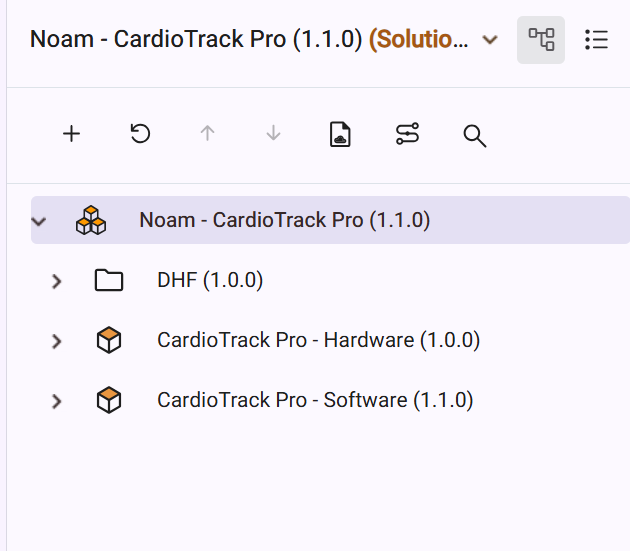
- This is how the Projects are listed in solution Product Tree
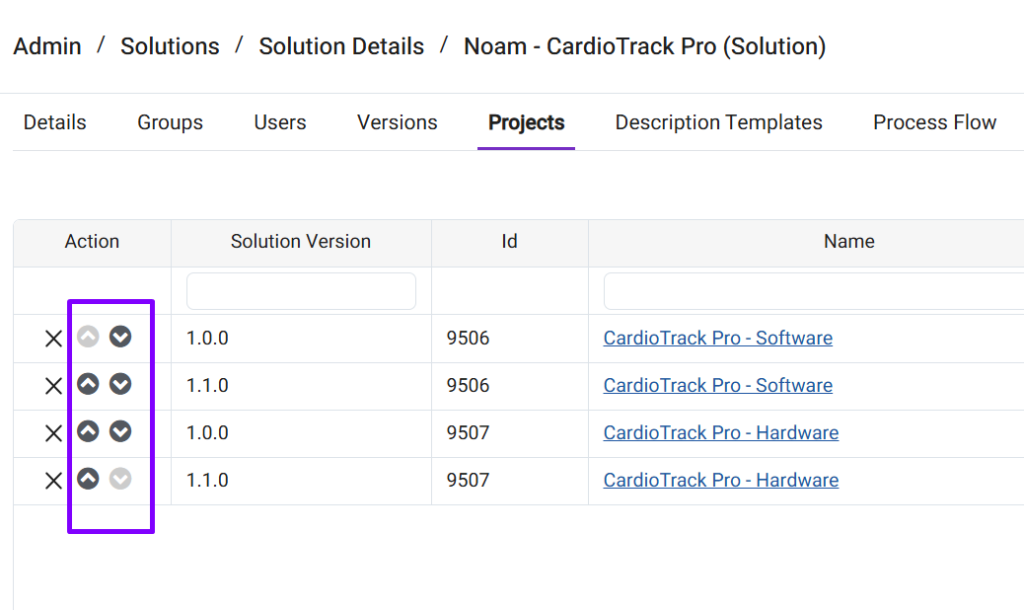
- Click on Up and Down Arrows in the Action column to reorder the Projects
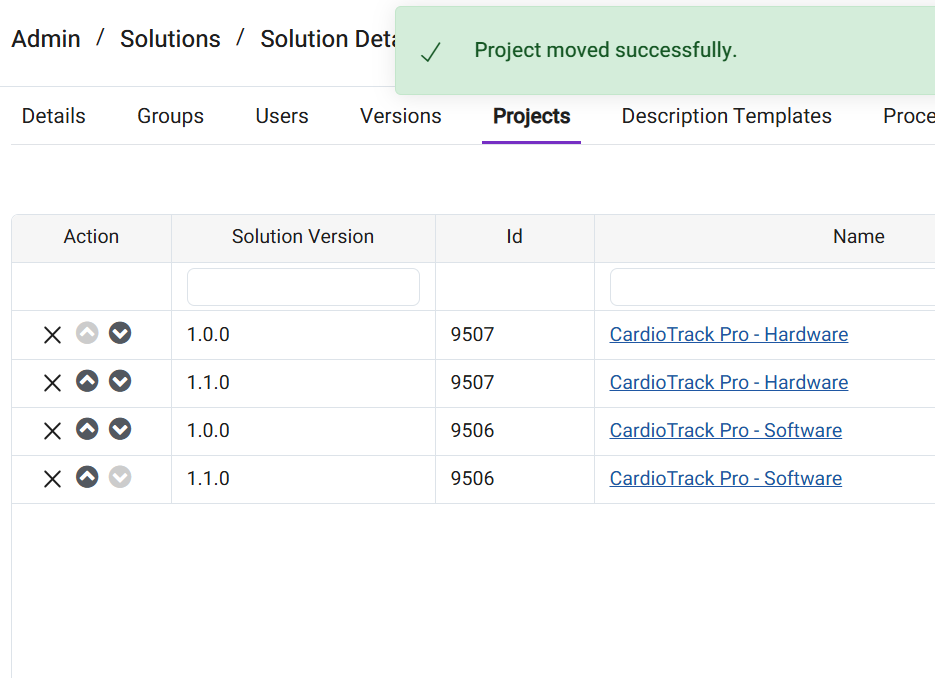
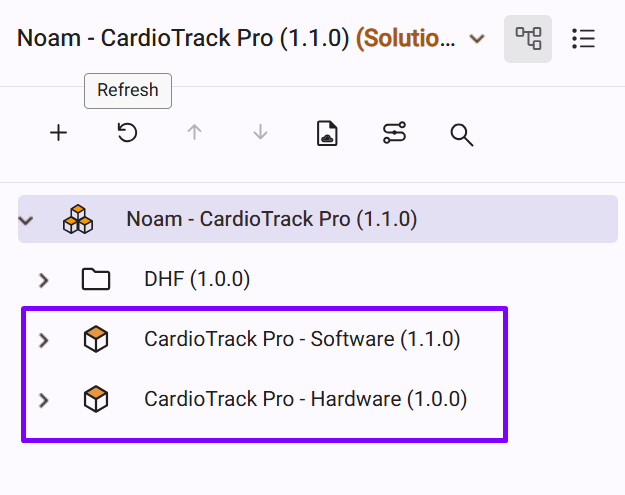
- After Reordering, refresh the tree and the Sequence of Projects listed in the Solution is updated