OVERVIEW
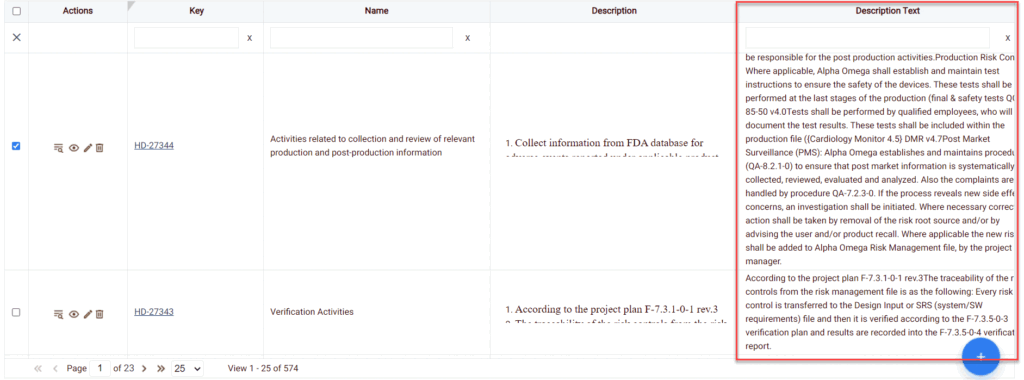
This feature allows you to display the entire text in a table cell.
HOW TO WRAP TEXT:
To wrap text, follow the simple steps below
- Choose the module from the sidebar, then select the project from the project selector drop-down list at the top of the left pane (if applicable) and click the List View icon.
- Select a Work Item type from the left pane.
- Select a filter from the Filter selection list.
- Select the Wrap Text option from More Actions Icon.
The data wraps and listed completely in the selected column width and the cell height should get auto-adjusted as per the data in the cell