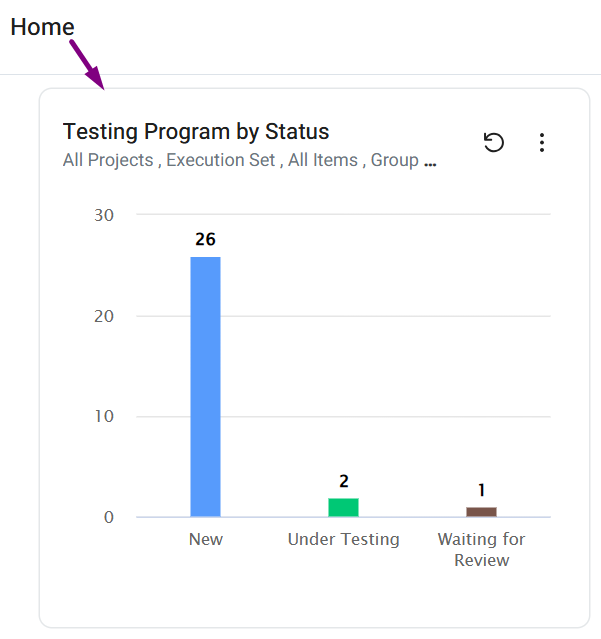
This feature is available from version 6.0 and only to Admin users.
OVERVIEW
The “Distribute Panel to Home” option allows admins to add panels directly to the Home page of specific users or groups. This feature makes important panels easily accessible and ensures consistent Home dashboards across teams.
Admins can choose to distribute panels to individual users or to entire groups.
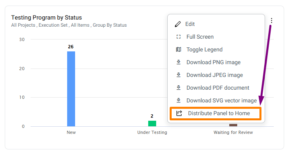
How to Distribute Panel to Home?
Click the ‘More Actions’ (3-dots) icon at the top right corner of the panel you want to push.
A window with two multi-select fields will appear.
Select the users and groups you’d like to see this panel on their Home page, then click ‘Distribute Panel’.
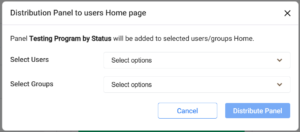
That’s it! The panel will now appear on the top of the users/groups Home dashboard.