When users make changes in the admin section, they need to refresh the system to see those changes.
In Orcanos, there are 2 ways to refresh the system.
Log out and log in again after making the modifications in the Admin module.
Or:
- Click on the User Profile icon in the side > From the pop-up menu, select Settings.
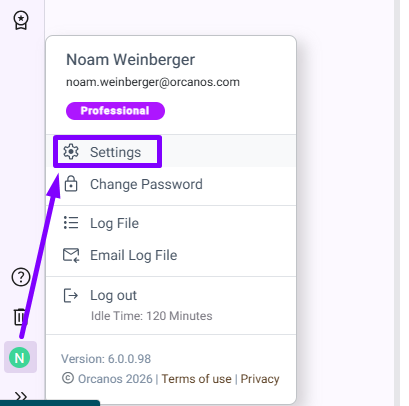
- Click on the Save button on the Settings pop-up.
