OVERVIEW
To address instances where users forget their username or password, Orcanos offers the “Forgot Password?” feature on the Login Page. This feature enables users to recover their username or password via email. By utilizing this feature, users can regain access to the system successfully.
HOW TO RECOVER THE PASSWORD:
To recover the password, users need to follow below simple steps:
- Click on Forgot Password? Hyperlink on the Login Page
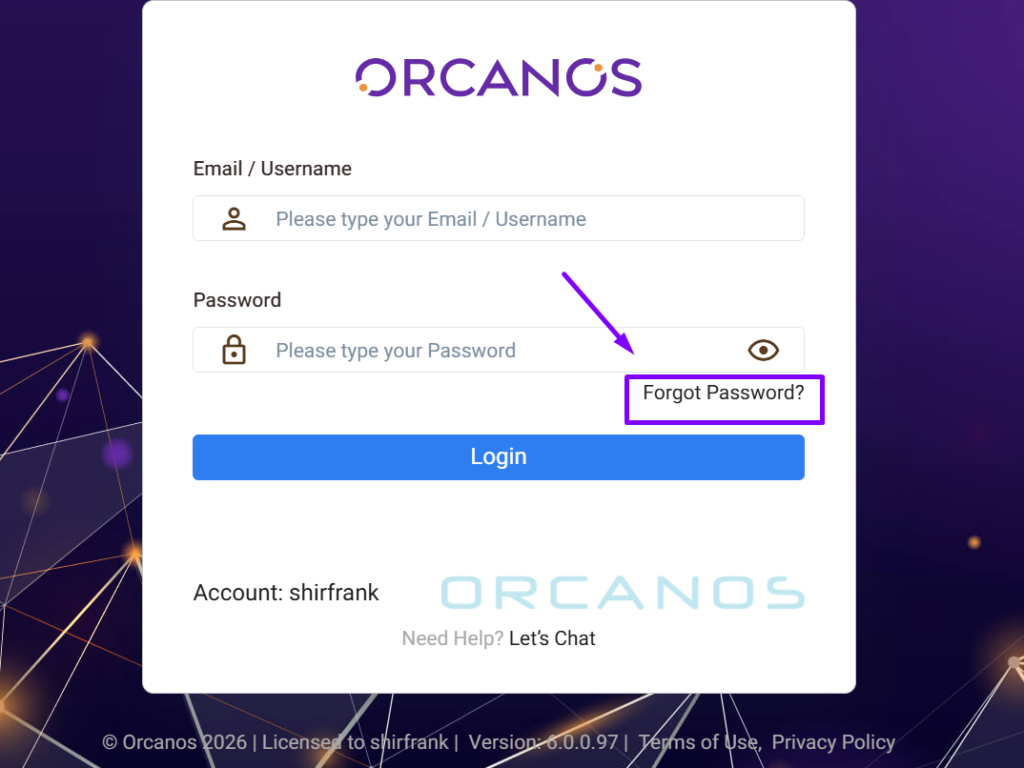
- The Forgot Password page gets displayed.
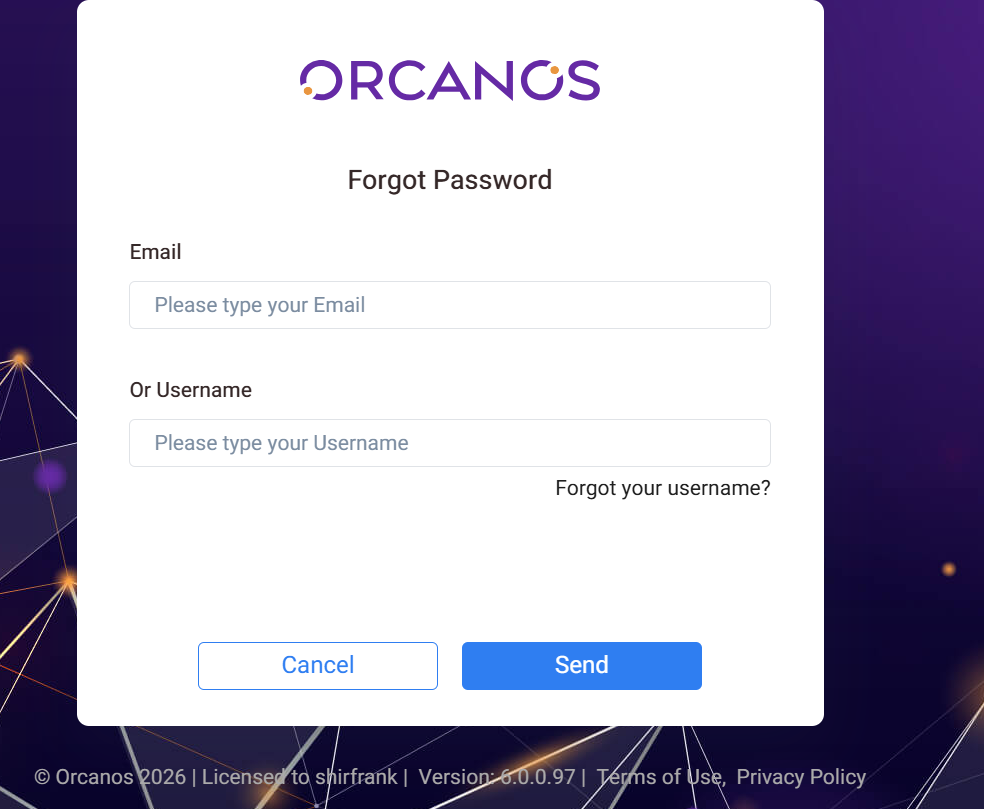
- Input the Email or Username and click Send button.
User receives email with the “Reset Password” hyperlink.
The email address that the password reset email is sent from is [email protected] and its subject is Orcanos login details
If you don’t see the email in your inbox, please follow these additional steps:
- Check your spam or junk email folders.
- Wait for a few minutes and refresh your inbox.
- Verify you entered the correct email address.
Input the New Password and click on Reset button.
HOW TO RECOVER THE USERNAME:
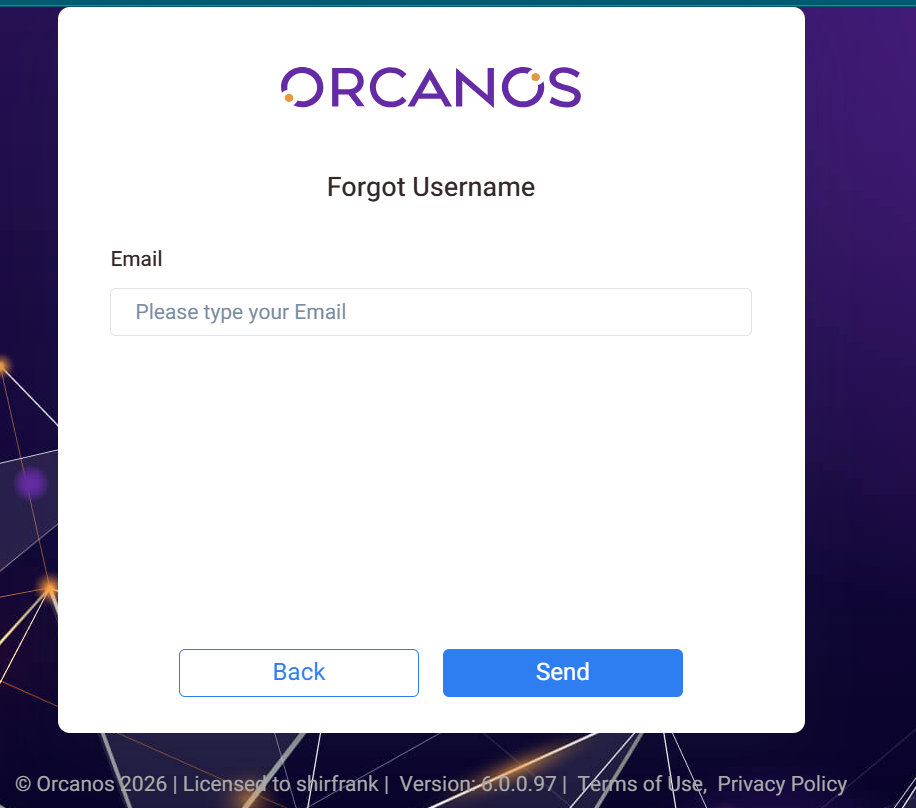
In order to recover the Username user has to follow below simple steps