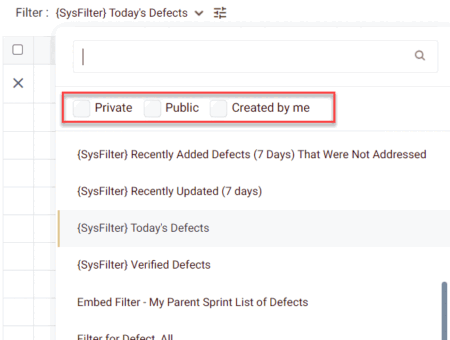
This feature allows you to view the private, public, and shared by me (Logged User) filter lists separately.
HOW TO SEE THE PUBLIC/PRIVATE/SHARED BY ME FILTERS:
- Choose the module from the sidebar, then select the project from the project selector drop-down list at the top of the left pane (if applicable) and click the List View icon.
- Select the relevant work item from the left pane.
- Click on the list of filters selection list and here, the user can see the checkboxes for Public. Private and Shared By Me options.
You can see the list accordingly by clicking on these checkboxes. It will filter the list of filters accordingly.