OVERVIEW
Release Checkout Selected option allows the user to release the checkout items.
Release checkout allows user to unlock the item which is checkout by the same user.
HOW TO RELEASE CHECKOUT AN ITEM
To perform release checkout for an item, user can follow simple steps mentioned below
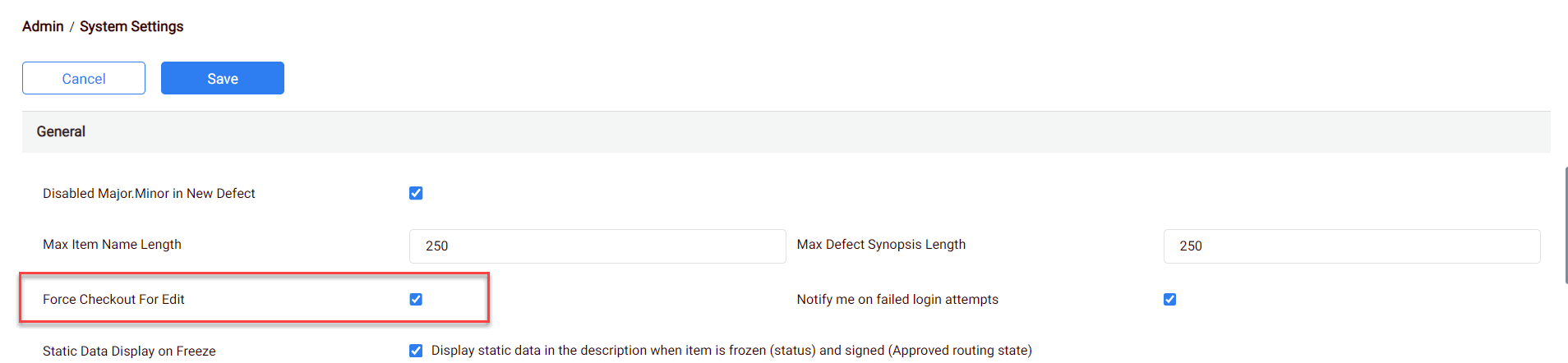
In Admin, System settings ‘Force checkout for edit’ should be enabled.
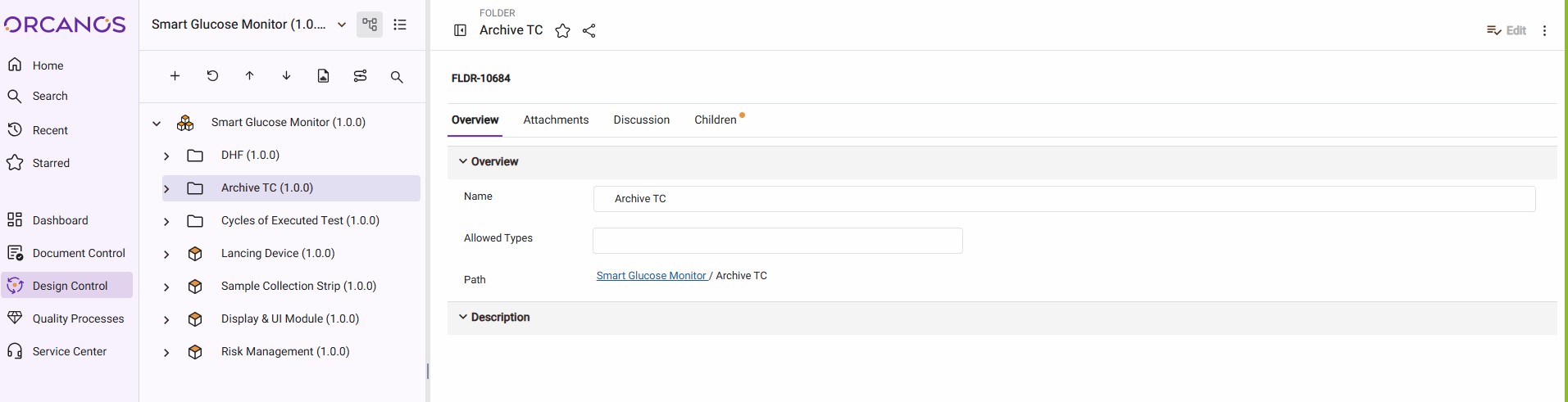
- Choose the module from the sidebar, then select the project from the project selector drop-down list at the top of the left pane (if applicable) and click the Tree View icon.
- Select the Required Work Item.
- Right click on the selected work item, and select the checkout option.
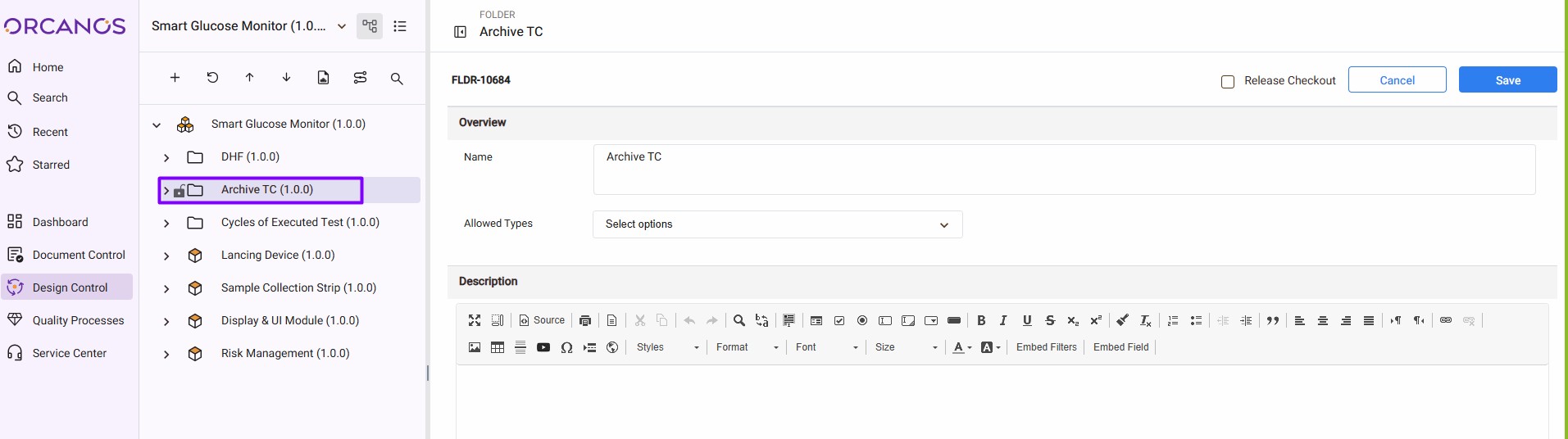
- Click the Release Checkout checkbox from the top right corner, and click Save.
- Now the Lock icon is no longer appears in the left pane in the tree view next to the selected work item.