This article would allow you to know how to correct your file to get the appropriate data in the downloaded PDF generated after Signing
Sometimes the table appears to go in the Footer area and complete table is not displayed in the generated PDF
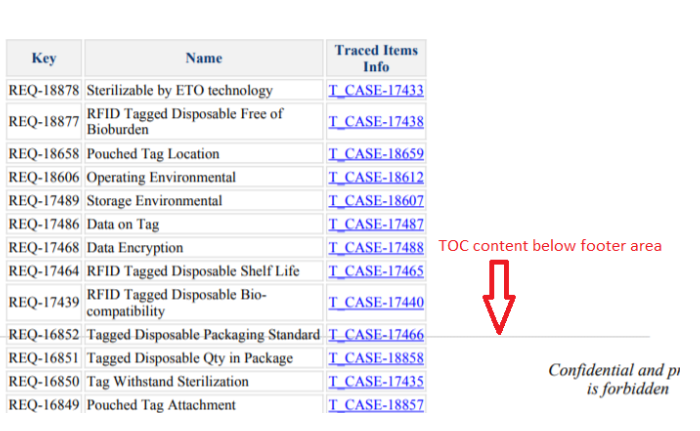
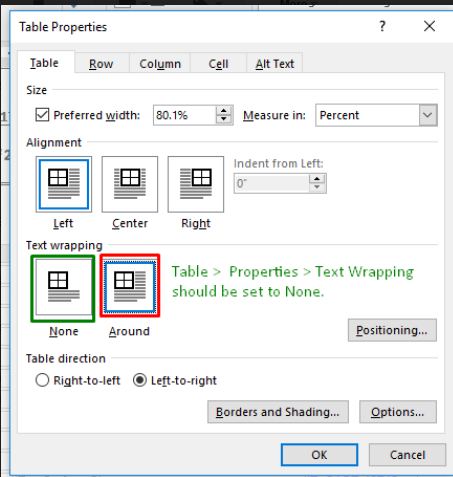
Solution: Always make sure to save the table with Text Wrap : None
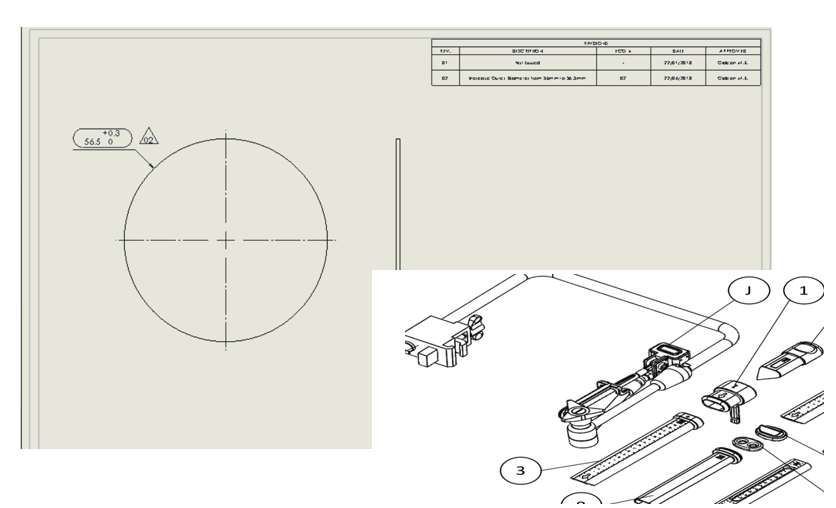
The images are not displayed properly (Overlapping) or went missing in the generated PDF
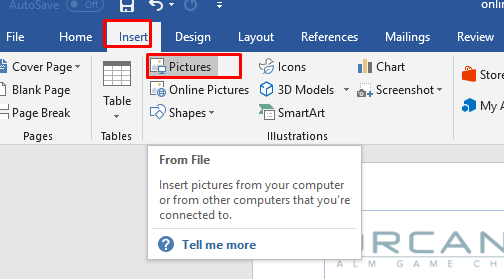
Solution A: Save and Add the Image using Insert > Picture in the Word Document
Solution B: Make sure the images in the document are not overlapping
The overlapped images tend to appear upside down in the generated PDF