OVERVIEW
♻️ Your Recycle Bin
The work items you delete will appear here.
View, restore, or delete permanently.
Clicking the “Trash” icon (at the bottom left of the navigation sidebar) displays a list of deleted items from the recycle bin.
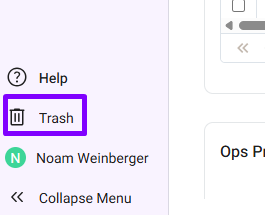
You can perform the following options on the deleted items:
- Restore item – the item will appear in the product tree/list view.
- Permanently delete – the item will be removed from the database permanently, and cannot be restored
- View item (item hyperlink) – open item view mode to see item details (no edit possible)
- Link – copy the item path
- Refresh – will refresh the items in the Trash
- Empty Recycle Bin – delete all the items permanently from the Trash
To restore an item, Click the ‘Restore‘ icon:
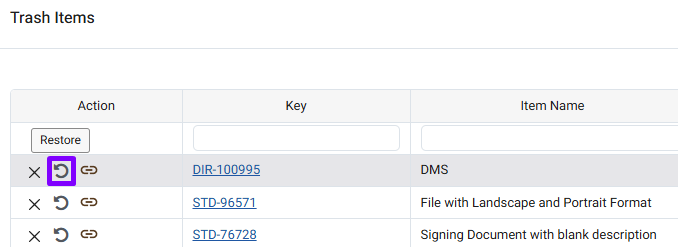
Next, click ‘OK‘ in the pop-up window that appears in your browser:
